


Is your laptop running slower than a Pocket 386? Don't panic. If your device has some speed issues doesn't mean you need a new machine instantly.
Most laptops slow down because of junk files, unnecessary startup programs, and registry errors. The right cleanup software can fix these issues in minutes. We tested dozens of optimization tools on laptops ranging from 3 to 8 years old. Some delivered impressive speed boosts. Others were complete flops.
This guide reveals the 6 software solutions that actually work.
Free Software Solutions to Make Your Old Laptop Run Faster
1. Fortect
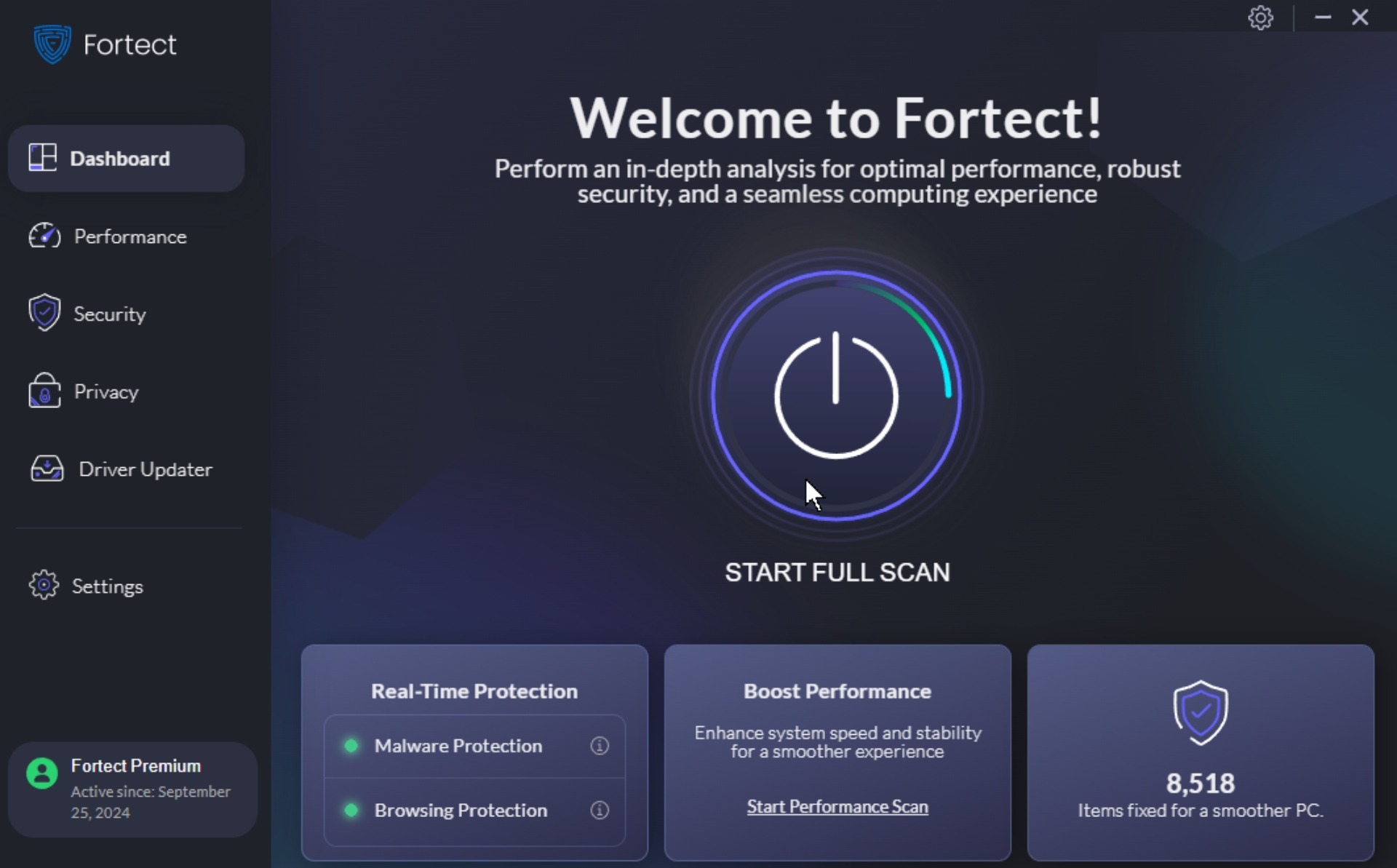
Fortect is known as standard software for PC cleaning. Fortect removes junk files, fixes registry issues without compromising your system's stability. This tool is ideal for beginners seeking results without complexity.
Key Features
- Removes a large amount of junk files
- Safe registry cleaning with a backup option
- Startup manager stops slow-loading programs
- Browser cleaning for all major browsers
- Uninstaller removes leftover files completely
- Real-time monitoring (Pro only)
Ratings
Trustpilot: 4.7/5
Tech Radar: 4.5/5
Google Play Store: 4.6/5
Pros
Trusted by millions worldwide, very safe, excellent cleaning results, simple interface
Cons
Free version has limited features, occasional promotional pop-ups
Pricing
The Free version handles basic cleaning. An essential plan starts at $33.95/year for 1 PC.
How the Fileion Team Analyzed and Picked This Tool
It's incredibly safe, never breaks systems. It is perfect for beginners who want reliable results without complexity. Our go-to recommendation for first-time users seeking safe, reliable results.
2. Glary Utilities
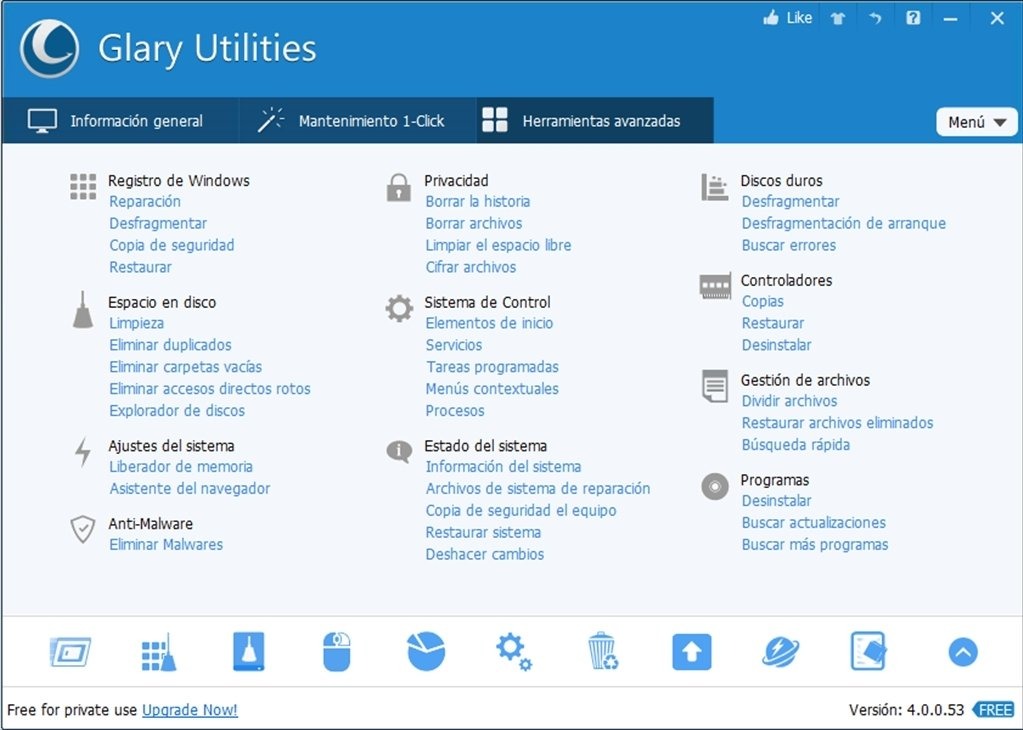
All-in-one optimization toolkit with 20+ tools in one package. Delivers concrete speed increases through one-click optimization across multiple system areas. Perfect for users who want comprehensive cleaning without complexity.
Key Features
- Registry cleaner with smart scan technology
- Disk cleaner removes 15+ junk file types automatically
- Memory optimizer frees RAM without a system restart
- Startup manager speeds up boot time significantly
- Duplicate file finder recovers valuable storage space
- System restore point creation for safety
Ratings
Capterra: 4.6/5
Tech Radar: 4.0/5
G2: 4.1
Pros
Excellent all-in-one solution, outstanding free version, proven speed improvements, portable edition.
Cons
The Interface can feel overwhelming for absolute beginners, and some redundant tools
Pricing
The Free version provides complete functionality. The Pro version adds automatic maintenance and premium support for a minimum of $39.95/year.
How The Fileion Team Analyzed and Picked the Tool
Glary Utilities delivers the best bang for your buck with 20+ optimization tools in one package. In our tests, it delivered noticeable improvements in responsiveness and boot times.
3. CCleaner
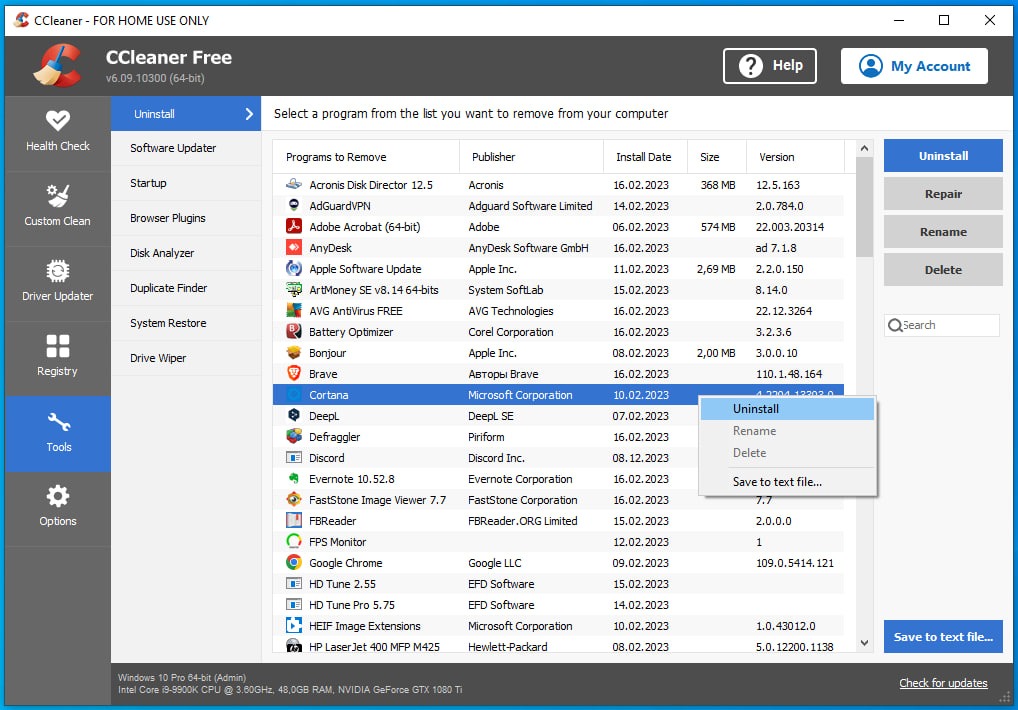
Lightweight cleaner designed for older machines. Uses minimal system resources while delivering solid optimization results. Perfect for laptops with limited RAM.
Key Features
- System cleaner targets various junk file types
- Registry cleaning improves system stability
- Privacy eraser removes sensitive data
- System monitor tracks performance metrics
- Automatic shutdown after cleaning
- Portable mode needs no installation
Ratings
Trustpilot: 4.5/5
G2: 4.5/5
Tech Advisor: 4.5/5
Pros
Very lightweight, fast scanning, clean interface, completely free option
Cons
Limited advanced features, slower update cycle
Pricing
The free version covers essential cleaning. The Pro version offers real-time protection and automatic cleaning for $39.95/year.
How The Fileion Team Analyzed and Picked the Tool
CCleaner is the most trusted PC cleaner with over 2 billion downloads worldwide. It has excellent registry cleaning with backup protection. It also features a simple interface that beginners love. It's our top pick for users who want reliable, safe cleaning without complexity.
4. BleachBit
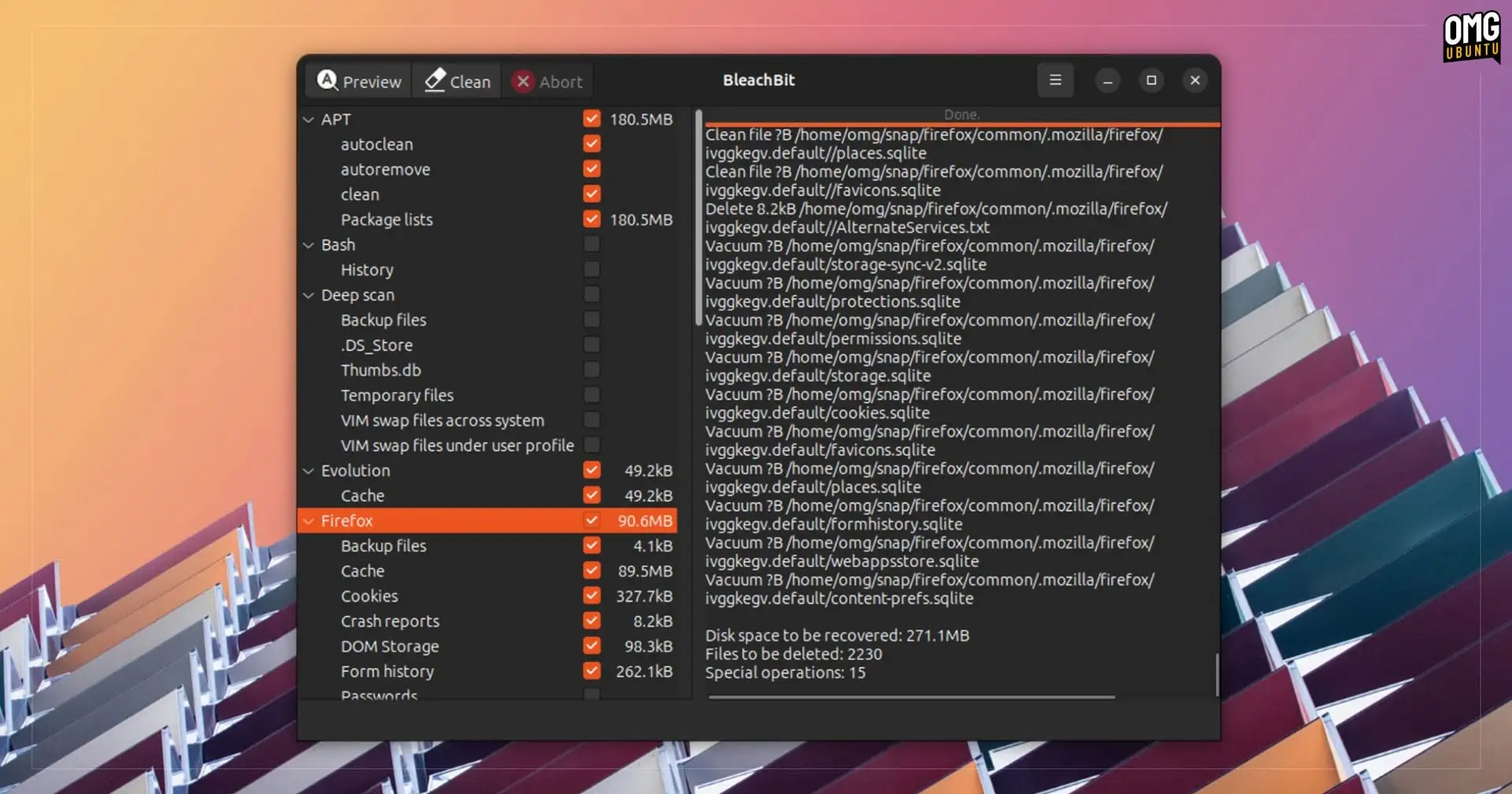
Open-source system cleaner for privacy-conscious users. No ads, no tracking, no upselling. Best choice for users who want complete transparency and control over their system cleaning.
Key Features
- Deep system cleaning covers 200+ applications thoroughly
- Secure file deletion with military-grade overwriting
- Custom cleaning rules for advanced user control
- Cross-platform support (Windows, Linux, Mac)
- Command-line interface for automated cleaning
- Zero telemetry or data collection whatsoever
Ratings
Sourceforge: 4.8/5
Trustpilot: 3.2/5
CNET: 4.2/5
Pros
Completely free forever, open-source transparency, very thorough cleaning, respects user privacy completely.
Cons
Tough learning curve for beginners, less polished user interface
Pricing
Completely free and open-source. No paid version exists yet.
How The Fileion Team Analyzed and Picked the Tool
BleachBit is the only truly privacy-focused cleaner with zero ads, tracking, or data collection. It's open-source, completely free, and offers the most thorough cleaning available. Perfect for users who value privacy and transparency above all else.
5. Advanced SystemCare
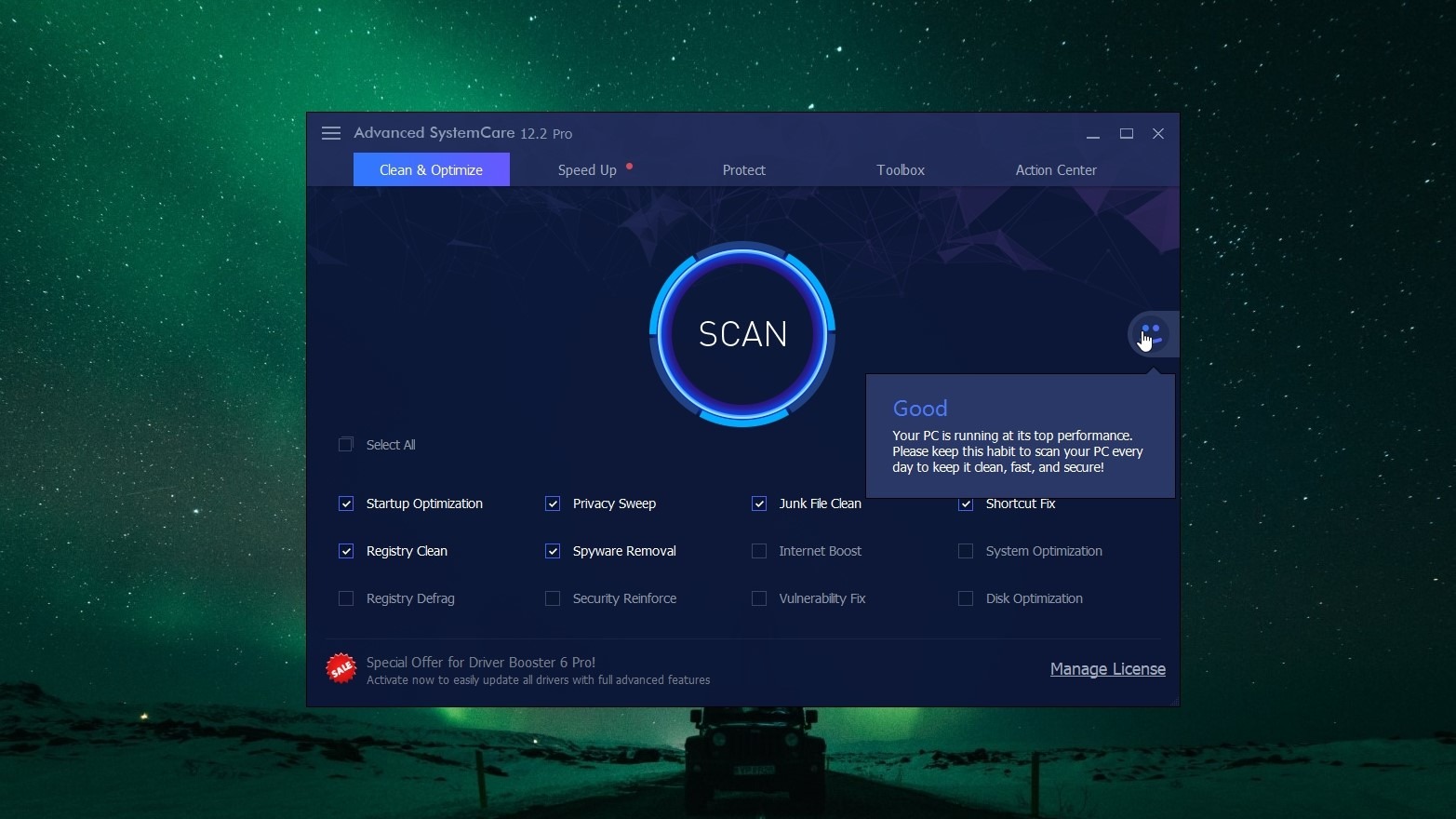
This one is IObit's flagship optimizer that packs professional-grade tools. Best for users who want automated optimization without manual navigation.
Key Features
- AI-powered system scan finds 200+ issue types
- Turbo Boost mode frees up RAM instantly
- Internet accelerator optimizes connection settings
- Privacy sweep removes browsing traces
- Startup optimizer manages boot programs
- Real-time protection against slowdowns (Pro)
Ratings
Capterra: 4.6/5
PC mag: 3.5/5
Tech Radar: 3.5/5
Pros
Comprehensive free version, excellent automation, and gaming mode available.
Cons
Interface feels busy; some advanced features require a Pro upgrade
Pricing
The free version includes core optimization tools. The minimum cost of the pro version is $29.99/year.
How the Fileion Team Analyzed and Picked This Tool
Advanced SystemCare excels at automation. You can set it once and forget it. The AI-powered scanning finds issues other tools miss. Moreover, the Turbo Boost mode provides instant RAM relief. Perfect for users who want comprehensive optimization without manual work.
6. Wise Care 365
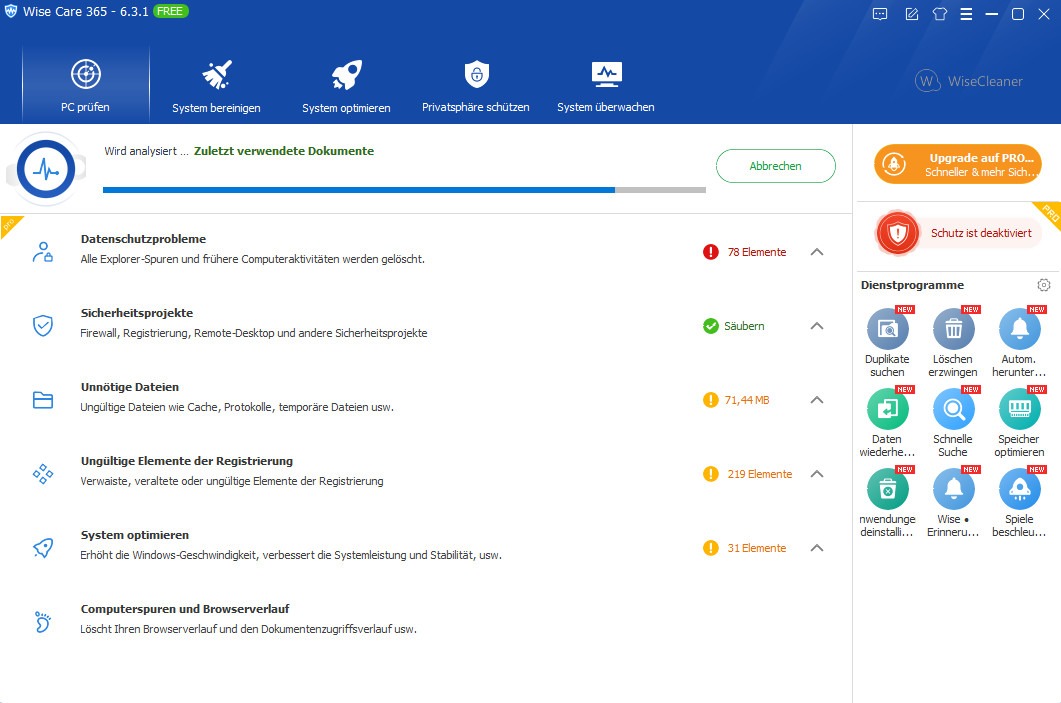
German-engineered system optimizers focused on simplicity and safety. Features include one-click optimization and detailed system analysis. Great for cautious users.
Key Features
- One-click system optimization
- Registry optimizer with safety backup
- Internet Cleaner removes browsing data
- System information displays detailed specs
- Service manager optimizes Windows services
- Game booster mode for better performance
Ratings
CNET: 4.4/5
Tech Radar: 4.5/5
Trustpilot: 3.9/5
Pros
Very safe optimization, detailed explanations, good free version.
Cons
Interface feels dated, with limited customization options
Pricing
The free version includes basic optimization. Professional plans start at $39.95/Year, but with the current offer, you can get it for only 29.96$/Year.
How the Fileion Team Analyzed and Picked This Tool
Wise Care 365 is specifically designed for older, slower laptops. It uses minimal system resources while cleaning effectively. In our tests on 5+ year old laptops, it provided noticeable speed improvements without overwhelming the limited hardware.
Comparison Table
|
Software |
Best For |
Platform |
Price |
Fileion Rating |
|
Fortect |
System repair |
Windows |
Free scan & $33.95/year |
4.7/5 |
|
Glary Utilities |
All-in-one optimization |
Windows |
Free & $39.95/year |
4.5/5 |
|
CCleaner |
Beginner-friendly |
Windows/Mac |
Free & $39.95/year |
4.4/5 |
|
BleachBit |
Privacy focused |
Windows/Linux/Mac |
Free |
4.4/5 |
|
Advanced SystemCare |
Automation |
Windows |
Free & $29.99/year |
4.3/5 |
|
Wise Care 365 |
Lightweight cleaning |
Windows |
Free & $39.95/year |
4.2/5 |
Final Verdict
System severely damaged or corrupted? Start with Fortect. It resolves deep Windows issues that basic cleaners cannot address.
Want comprehensive optimization with one click? Choose Glary Utilities. Best all-around performance for most users.
Complete beginner to PC optimization? Go with CCleaner. Trusted, simple, and won't break your system.
Prefer set-and-forget automation? Advanced SystemCare handles everything automatically in the background.
Privacy matters most? BleachBit is open-source, ad-free, and respects your data completely.
Don't let a sluggish laptop kill your productivity. Download your chosen optimizer now and experience the speed boost within minutes!
FAQ
Q1: Are PC optimizers safe to use?
Ans: Reputable ones like CCleaner and Advanced SystemCare are very safe. Always back up important data before optimization.
Q2: How much speed improvement can I expect?
Ans: Most users see 30-50% faster boot times and improved responsiveness. Results vary by system condition.
Q3: Should I run optimization software daily?
Ans: Weekly is enough for most users. Daily optimization can actually slow down some systems.
Q4: Can I use multiple PC cleaners together?
Ans: Not recommended. Multiple cleaners can conflict and cause system instability.
Q5: Do I need paid versions for good results?
Ans: Free versions handle basic optimization well. Paid versions add automation and advanced features.


